
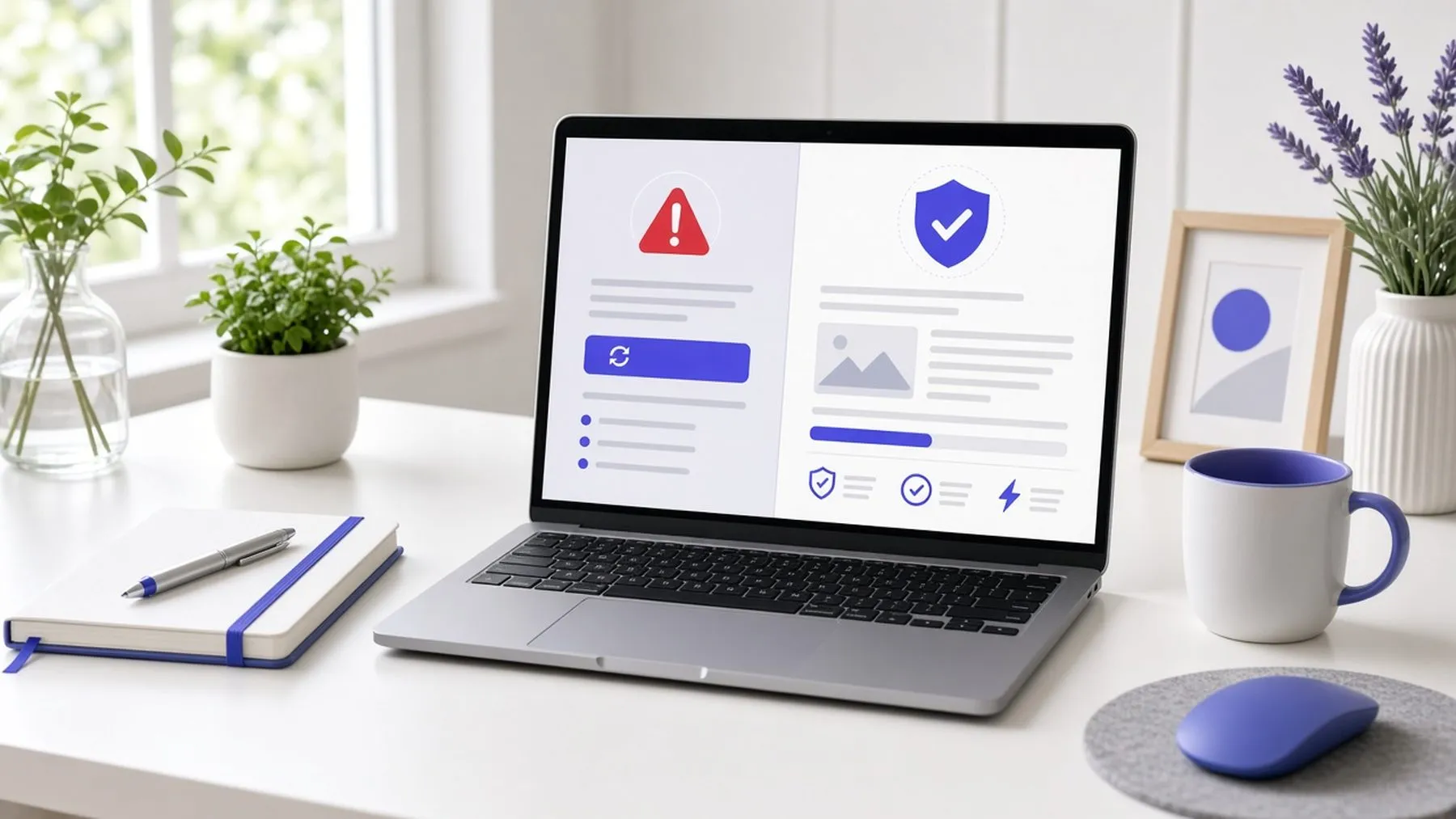




Browser warnings scare visitors away. Usually the cause is an expired or missing SSL certificate.
If your site shows “Not secure” in the address bar, or a full-page “Your connection is not private” warning, most visitors will leave right away.
The usual causes
- The SSL certificate expired and did not renew
- The site never had a certificate
- Some images or scripts still load over plain HTTP (“mixed content”)
How it gets fixed
Most hosts offer a free certificate that renews itself. Once it is installed, every page should redirect to the HTTPS version, and any leftover HTTP links need to be updated.
Why it matters
Browsers and Google both treat sites without HTTPS as less trustworthy. For a pharmacy or clinic, it also looks like patient information is not safe. It is one of the cheapest, fastest fixes there is.